- Submit a text-based PDF (or .docx if requested) — never a scanned image.
- Use standard headings: Summary, Experience, Education, Skills.
- Mirror exact keywords from the job ad — job title, tools, certifications.
- Avoid putting key info only in headers, images, icons or text boxes.
How an ATS reads your resume
The system converts your file to plain text, identifies sections by their headings, and stores job titles, dates, skills and education. Recruiters then filter or search (“Salesforce” AND “account manager”). If your text can’t be extracted — or uses unusual headings — you may not appear in those searches.
Skip the formatting — build it in CV Builder.4.8★ from 148 ratings · iPhone & iPad · Free to download

Formatting rules
- Standard fonts, real text (not text converted to outlines or images).
- Conventional section names.
- Dates in a consistent format, e.g. 06/2021 – 03/2024 or Jun 2021 – Mar 2024.
- Simple bullet points; no tables for core content.
- Contact info in the body, not only in a page header.
- Simpler, cleaner templates are safest for large-company portals.
Using keywords the right way
- Copy the job ad and highlight: job title, hard skills, tools, certifications.
- Use the exact phrasing (“project management”, not only “managed projects”).
- Include the target job title in your summary.
- Place skills in both the Skills section and in experience bullets as proof.
- Don’t keyword-stuff or hide white text — recruiters read the result.
Pre-submit checklist
- ☐ Can you select and copy the text in your PDF?
- ☐ Headings are standard.
- ☐ Job title from the ad appears at least once.
- ☐ Top 5 skills from the ad appear.
- ☐ File name: Firstname-Lastname-Resume.pdf.
Build an ATS-friendly resume in CV Builder
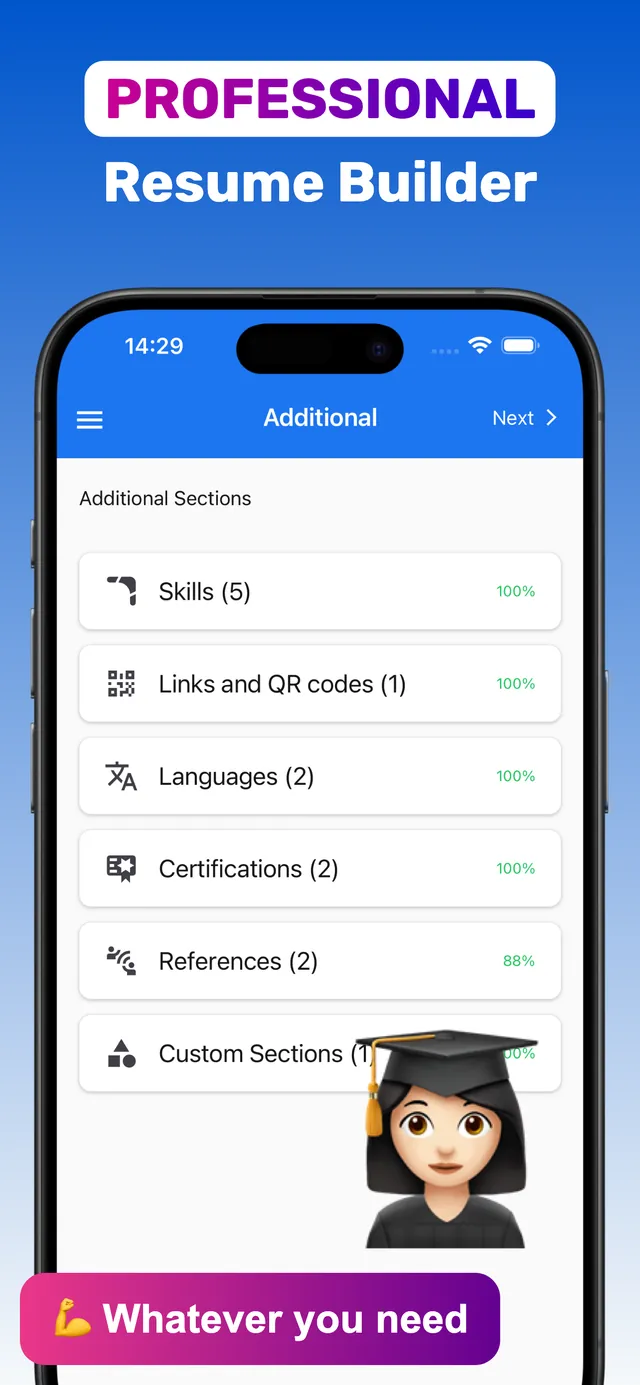
CV Builder exports text-based PDFs and uses conventional section names, which keeps your resume easy to parse.
- Fill the standard sections. Summary, Work Experience, Education and Skills.
- Paste keywords into Skills and bullets. Use the exact phrasing from the job ad.
- Pick a clean, simple template. Single-column designs are the safest choice for portals.
- Download PDF and test it. Open the PDF and try selecting the text.
Keep one resume per job type so the keywords always match — see tailoring your resume.
Frequently asked questions
What makes a resume ATS-friendly?
Selectable text, standard section headings, a simple layout, consistent dates, and keywords that match the job description.
Are PDF resumes ATS-friendly?
Text-based PDFs are read by most modern ATS. If the employer specifically asks for Word, send a .docx.
Do two-column resumes work with ATS?
Many modern systems handle them, but single-column layouts are the safest choice when applying through large-company portals.
Ready? Make yours on your iPhone now.4.8★ from 148 ratings · iPhone & iPad · Free to download