- Use reverse-chronological format unless you are changing careers.
- Order: contact details → profile → experience → education → skills → extras.
- Write achievements, not duties: action verb + what you did + measurable result.
- 1–2 pages, one font, consistent dates, saved as PDF.
Step 1: Choose your CV format
| Format | Best for |
|---|---|
| Reverse-chronological | Most people — steady work history |
| Skills-based (functional) | Career changers, gaps in employment |
| Combination | Experienced candidates with strong transferable skills |

Skip the formatting — build it in CV Builder.4.8★ from 148 ratings · iPhone & iPad · Free to download

Step 2: Contact details
Name, target job title, phone, professional email, city and country, LinkedIn. Skip date of birth, marital status and full address unless local custom requires them.
Step 3: Write a personal profile
Three lines: who you are, what you’re great at, what you want next.
More templates in resume summary examples.
Step 4: Work experience that proves results
For each role: job title, employer, location, dates, then 3–5 bullets. Use the formula action verb + task + result.
Achievement: Resolved 40+ customer escalations a week and cut average resolution time from 3 days to 1.
Useful verbs: led, launched, reduced, increased, negotiated, automated, trained, delivered.
Step 5: Education
Degree, institution, years. Add thesis, honours or relevant modules only if you graduated recently. Students should place education before experience — see CV with no experience.
Step 6: Skills, languages and certifications
List 6–10 skills that appear in the job ad. Add language levels (e.g. Spanish — C1) and certifications with the year obtained.
Common CV mistakes
- Generic CV sent to every job — tailor it.
- Paragraphs instead of bullet points.
- Unexplained gaps longer than 6 months.
- Typos and inconsistent date formats.
- Fancy layouts that break in applicant tracking systems.
Write your CV step by step in CV Builder
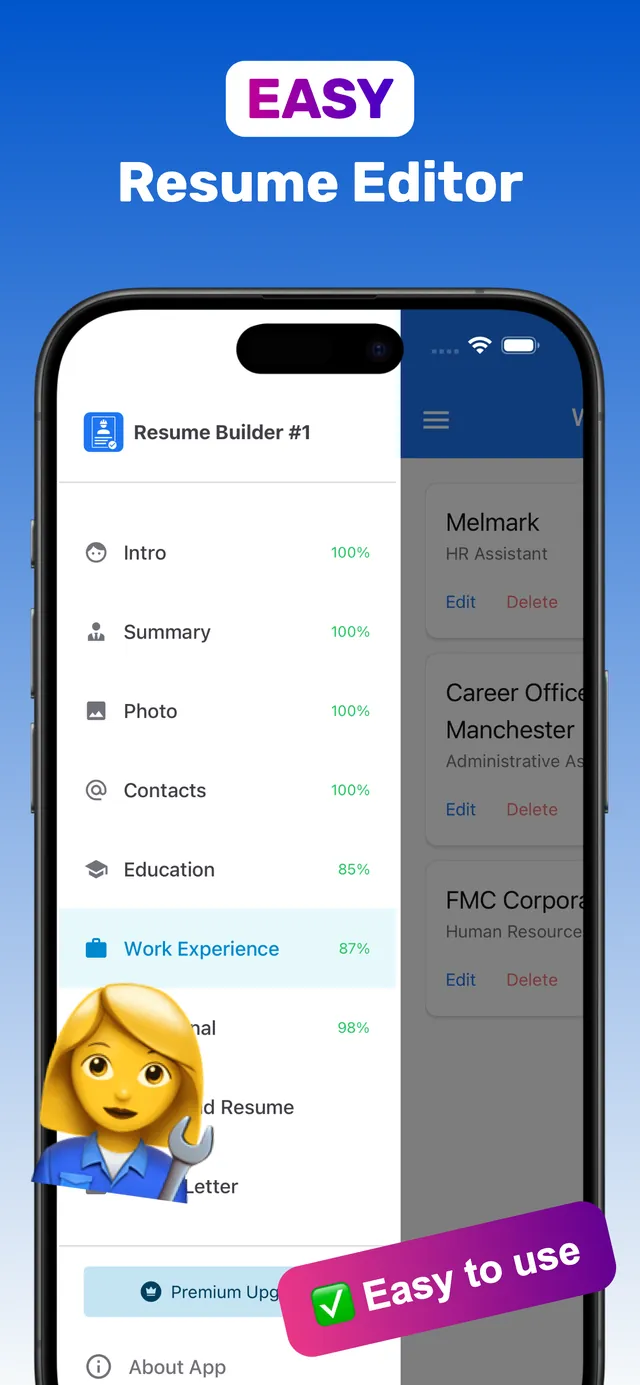
CV Builder follows this exact structure, so you can write each section as you read.
- Intro & Contacts. Add your name, job title and contact details.
- Summary. Write your 3-line profile.
- Work Experience & Education. Add each role and qualification — the completion bar shows what is missing.
- Skills, Languages, Certifications. Plus References or any custom section.
- Template & PDF. Choose from 100+ templates, preview, and Download PDF.
Frequently asked questions
How long should a CV be?
Usually 1–2 pages. Recent graduates should aim for one page; senior professionals can use two. Academic CVs can be longer.
What should not be included in a CV?
Avoid date of birth, marital status, salary history, unrelated hobbies and full street addresses unless local norms or the employer require them.
What is the best format for a CV?
Reverse-chronological for most people, saved as a PDF with a clean, readable template.
Ready? Make yours on your iPhone now.4.8★ from 148 ratings · iPhone & iPad · Free to download