- Keep a master resume plus one version per job type.
- Match the job title, top skills and tools from the ad.
- Reorder bullets so the most relevant proof comes first.
- Rewrite the summary for the specific role.
The 5-step tailoring routine
- Scan the ad and list the job title, the top 5 requirements and any tools/certifications.
- Update the headline and summary to use that job title and your most relevant result.
- Reorder bullets under each role — most relevant first; cut ones that don’t matter for this job.
- Adjust Skills to mirror the ad’s exact wording.
- Check length and export a fresh PDF with a clear file name.
Skip the formatting — build it in CV Builder.4.8★ from 148 ratings · iPhone & iPad · Free to download

Before and after
Before: Worked with different teams on projects.
After: Managed agile delivery for 3 cross-functional squads in Jira, aligning 12 stakeholders across product and sales.
How many versions should you keep?
One per job type, not per application. For example: “Project Manager – Tech”, “Project Manager – Construction”, “Operations”. Then make small edits for each application.
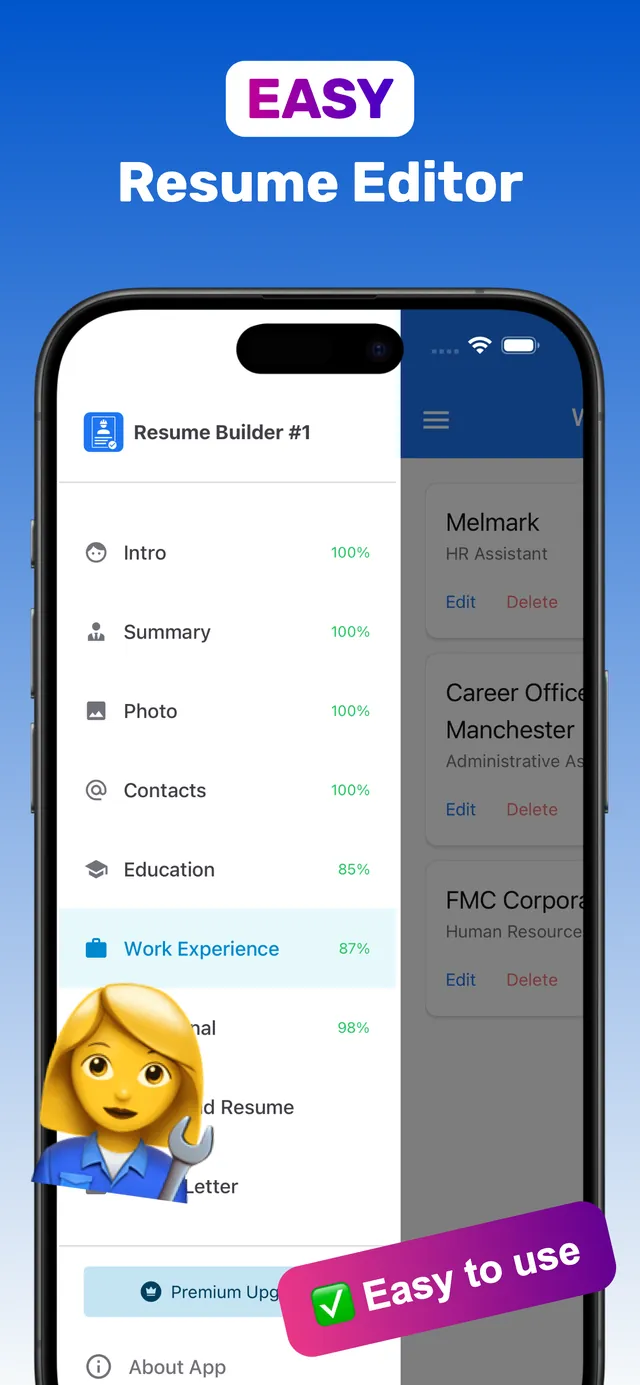
Keep multiple tailored resumes in CV Builder
CV Builder stores multiple resumes, so you can keep a version for every job type on your phone.
- Build your master resume. Complete every section once.
- Create a version per job type. Keep several resumes side by side in the app.
- Edit Summary, Skills and bullet order. Use the job ad’s wording.
- Export a fresh PDF. Apply within minutes — even from your phone.
Pair each version with a tailored cover letter.
Frequently asked questions
Should I tailor my resume for every job?
Yes, at least lightly. Matching the job title, key skills and summary to the ad improves both ATS matching and recruiter interest.
How do I keep multiple versions of my resume?
Keep one version per job type. CV Builder lets you store multiple resumes in the app and export each as a PDF.
How long does tailoring take?
About 10 minutes once you have a strong base resume.
Ready? Make yours on your iPhone now.4.8★ from 148 ratings · iPhone & iPad · Free to download