- Best for printed resumes, career fairs, creative and tech roles.
- Link to one destination: LinkedIn, portfolio, GitHub or a video intro.
- Place it in the header or sidebar, about 2–2.5 cm (0.8–1 in) wide.
- Always include the clickable URL too — ATS can’t scan images.
When a QR code helps (and when it doesn’t)
Helps: career fairs, in-person interviews, networking events, portfolios for design/marketing/engineering roles.
Doesn’t help: online-only applications through ATS portals (the image is ignored), conservative industries where it may look gimmicky.

Skip the formatting — build it in CV Builder.4.8★ from 148 ratings · iPhone & iPad · Free to download

What to link to
- Your LinkedIn profile (update it first!)
- An online portfolio or case studies
- GitHub or a live project
- A 60-second video introduction
Test the link on your own phone before you print.
Placement and size
- Header next to contact details, or top of a sidebar.
- At least 2 cm / 0.8 in wide so it scans from a printed page.
- Add a short label: “Scan for portfolio”.
Add a QR code to your resume in CV Builder
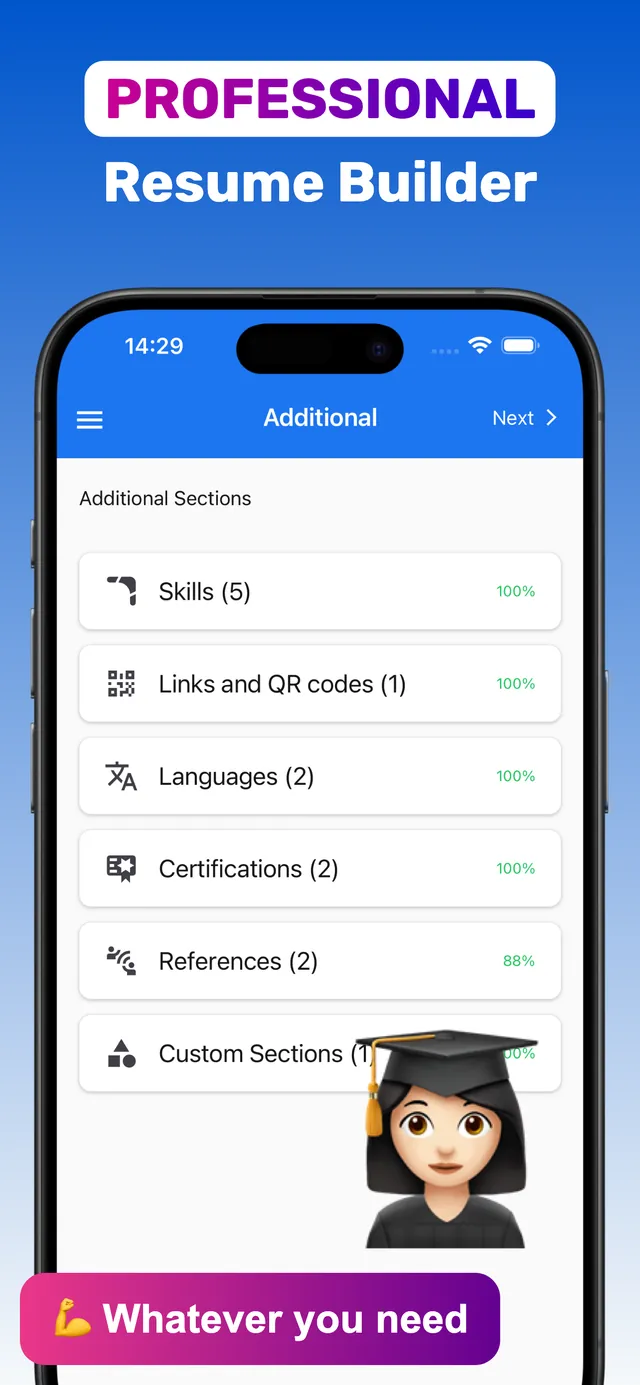
CV Builder has a Links & QR codes section — paste a URL and templates render a scannable code for you.
- Open Links & QR codes. Add your LinkedIn, portfolio or GitHub URL.
- Choose a template. The QR code appears in the resume layout alongside your links.
- Preview PDF and test-scan. Scan it with another phone.
- Download PDF and print. Bring copies to your interview or career fair.
Frequently asked questions
Is it OK to put a QR code on a resume?
Yes, especially on printed resumes for creative, tech or networking contexts. Always include the written URL as well.
How do I add a LinkedIn QR code to my resume?
In CV Builder, add your LinkedIn URL in the Links & QR codes section; templates render a scannable QR code automatically.
Where should a QR code go on a resume?
In the header near your contact details or at the top of a sidebar, at least 2 cm wide.
Ready? Make yours on your iPhone now.4.8★ from 148 ratings · iPhone & iPad · Free to download