- Conservative industries → single column, restrained colour.
- Creative/tech → two columns and accent colour are fine.
- Applying through online portals → simpler layouts parse better.
- Always preview the template with your real content before exporting.
Decision 1: Your industry
| Industry | Template style |
|---|---|
| Finance, law, government, healthcare | Classic, single column, black/navy |
| Tech, product, marketing | Modern, two columns, one accent colour |
| Design, media, creative | Bolder layout, photo optional, portfolio link/QR |
| Hospitality, retail, trades | Clean and simple, skills highlighted |

Skip the formatting — build it in CV Builder.4.8★ from 148 ratings · iPhone & iPad · Free to download

Decision 2: Your experience level
- Student / entry level: templates with Education near the top and room for projects.
- Mid-career: experience-first, strong summary block.
- Senior / executive: generous white space, key achievements highlighted, two pages allowed.
Decision 3: How you’ll apply
Uploading to big-company portals? Use a template with standard headings (“Experience”, “Education”, “Skills”) and real text rather than graphics. Emailing a hiring manager directly or handing it over in person? You have more freedom. More in ATS-friendly resume.
Template mistakes to avoid
- Skill “bars” or star ratings with no real meaning.
- More than two fonts or three colours.
- Tiny text to squeeze onto one page — cut content instead.
- Choosing a template before writing content; content first, design second.
Preview 100+ templates with your own content in CV Builder
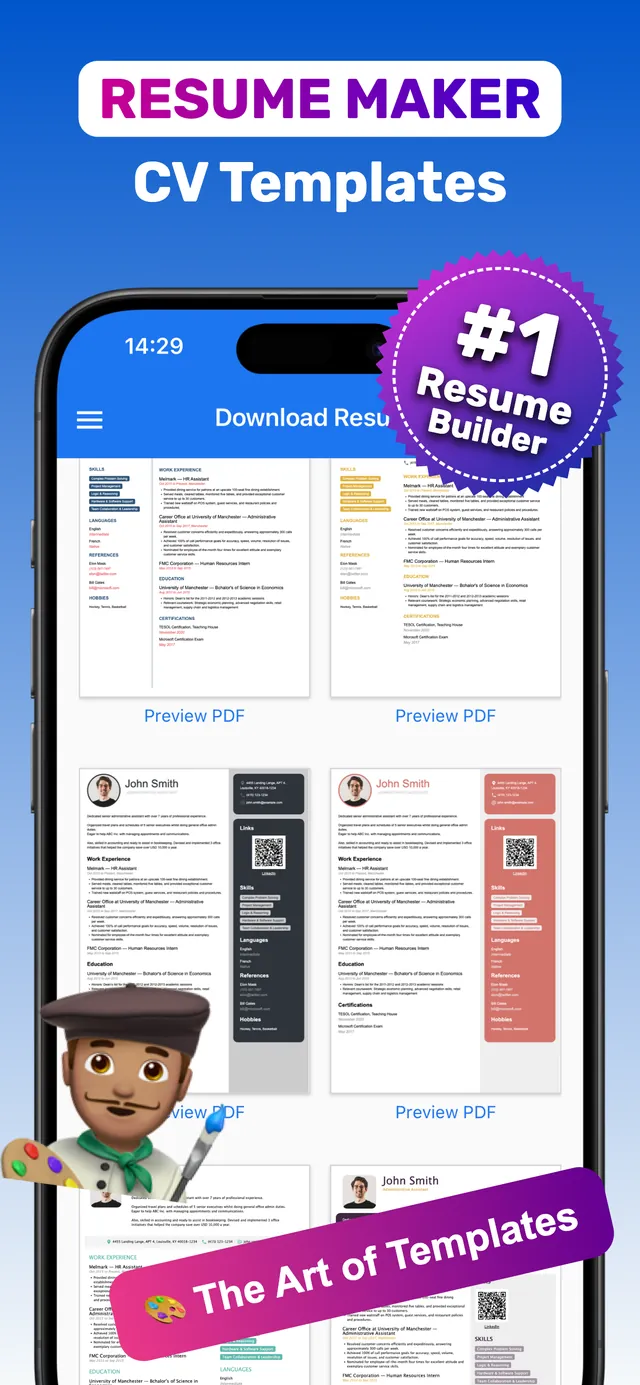
In CV Builder, templates are separate from your content — switch designs anytime without retyping.
- Enter your content first. Complete the guided sections.
- Open the template gallery. Browse 100+ resume and CV templates.
- Tap Preview PDF. See exactly how your content looks in each design.
- Pick and export. Download PDF when it looks right.
Frequently asked questions
What is the best resume template?
The one that suits your industry and makes your top achievements easy to find. Classic single-column for conservative fields; modern two-column for tech and creative roles.
How many resume templates does CV Builder have?
More than 100 professional resume and CV templates, from minimalist to classic corporate.
Can I change my template later?
Yes. Your content is stored separately, so you can switch templates and preview the result anytime.
Ready? Make yours on your iPhone now.4.8★ from 148 ratings · iPhone & iPad · Free to download